
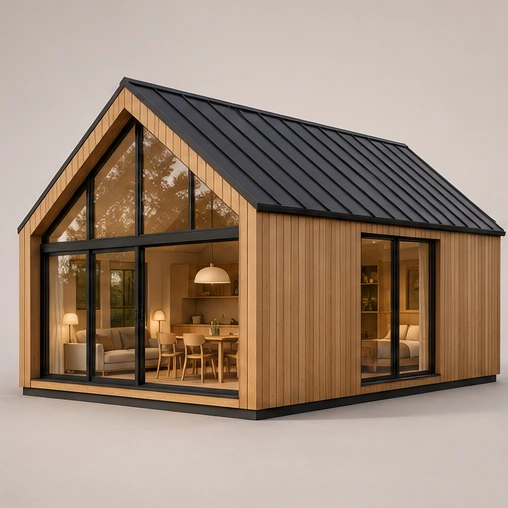
Modular homes
Module layout, external cladding, window placement and deck finish.
You define your product range, materials and pricing rules. Customers configure a product in 3D. Vormad uses their choices to calculate a price and prepare the order specification. We connect it all to your store.
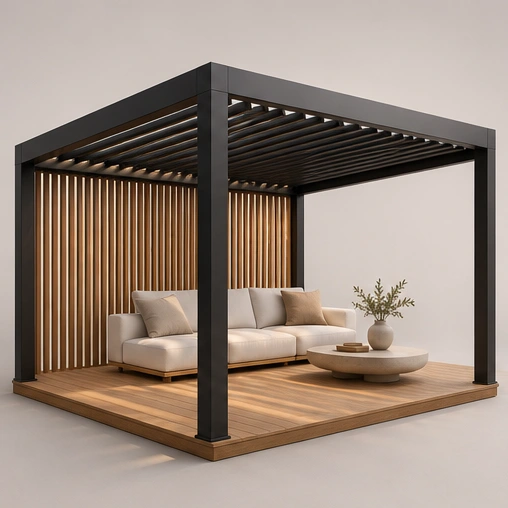
Vormad builds a 3D model from product parameters. In the pergola demo, Three.js renders the model in the browser using WebGL. When a customer changes the roof width, the engine adjusts the louvres and recalculates the price using the manufacturer’s rates. The same dimensions and accessories feed into the order specification.
Group models into product families. Each family has its own variants, materials and equipment.
Set base dimensions, adjustment ranges and allowed combinations. The engine recalculates the model geometry when a parameter changes.
Assign finishes to individual parts of the model. Upload PNG, JPG or WebP textures to show the surface of a material.
Upload an accessory as an OBJ model and set its position. A selected accessory appears in the preview, quote and order specification.
Define the axis of rotation or direction of travel for a part. Customers can see how a roof opens or a screen slides into place.
Connect dimensions, material consumption and accessory prices to your pricing rules. The engine calculates the variant price and passes it to the cart.
For the customer. The PDF manual covers assembly and use of the ordered variant, including its selected equipment.
For the workshop. The engine generates a CSV bill of materials, a JSON configuration and DXF or MPR machining files. Implementation can include data for CNC mills, cutting and drilling machines, and welding stations. We match the file format and operations to the machine and its controller.
Customers can save a variant and return to the same dimensions, materials and accessories later.
Add a model, finish or accessory. Set the pergola’s dimension limits, price bands and louvre movements.
Place your configured pergola on your patio. In AR, your phone shows a life-size model with your selected dimensions, colour and equipment. With a VR headset, you can walk around the same variant.
Configure a louvred pergola and see how the dimensions, finish and equipment affect its price.
Prices use the demonstration price list for this pergola.
You are editing the pergola catalogue in a local demo. Your changes last until you refresh this page.
Both endpoints are included. Surcharges for different dimensions are added together.
Load an accessory mesh to inspect it here. You can add six models to the library. Files stay on your device.
Choose your industry to see which product details customers could configure themselves.
Module layout, external cladding, window placement and deck finish.
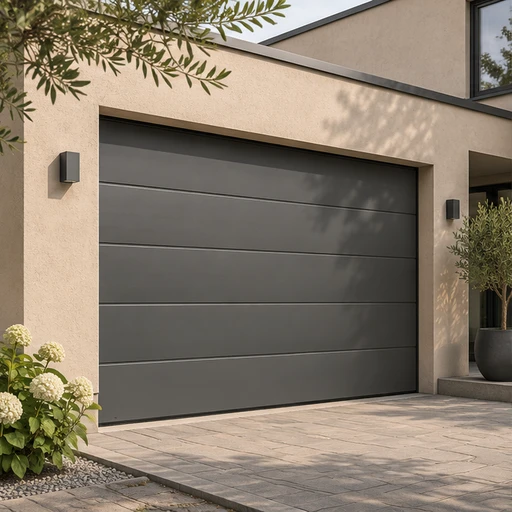
Opening dimensions, panel pattern, sectional door colour, glazing and operator.
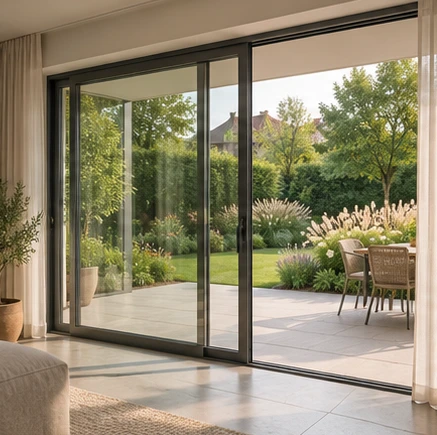
Opening dimensions, fixed and sliding panels, sliding direction and frame colour.
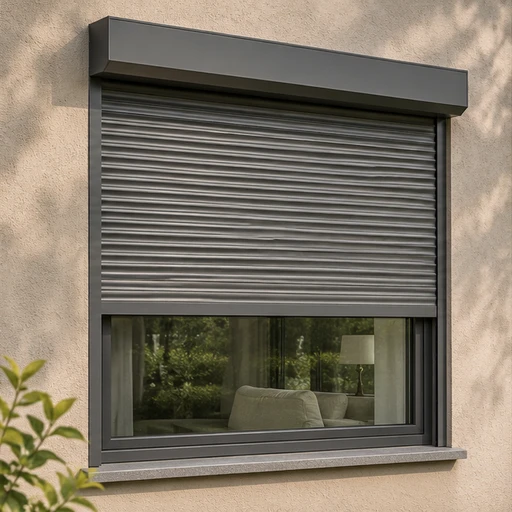
Window dimensions, shutter box, curtain and guide rail colours, and control options.
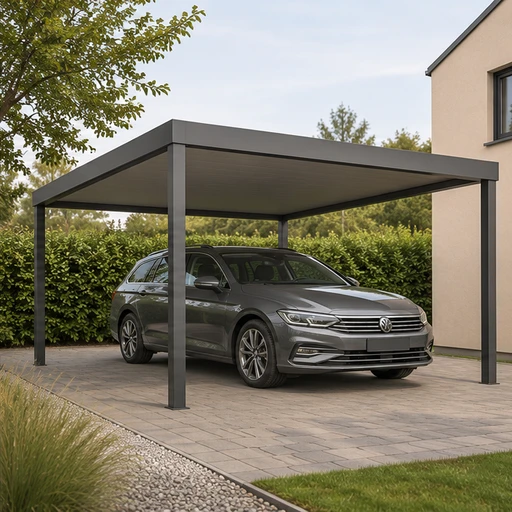
Number of bays, post spacing, roof covering and side screens.
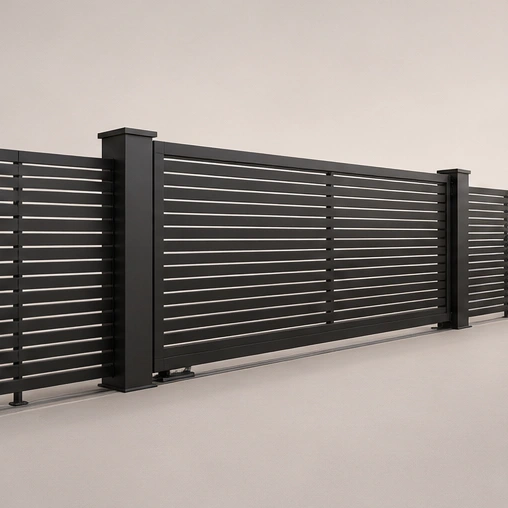
Fence run lengths, gate width, infill pattern and pedestrian gate position.
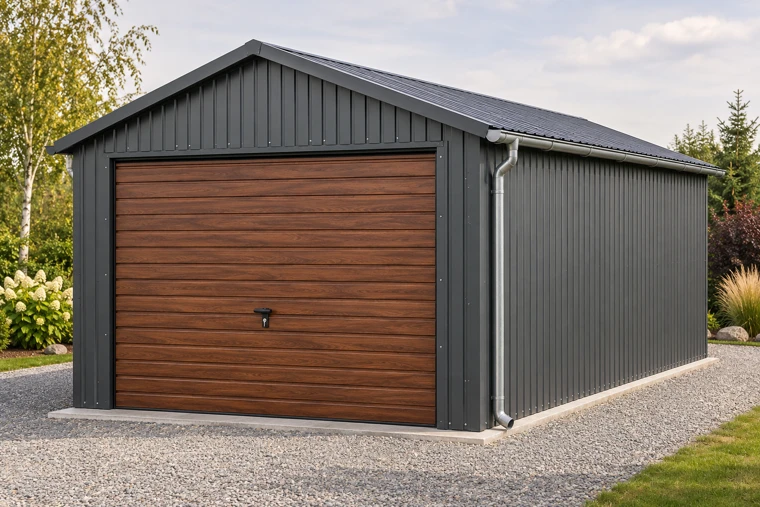
Garage dimensions and bays, roof shape, sheet colour, and placement of doors and windows.
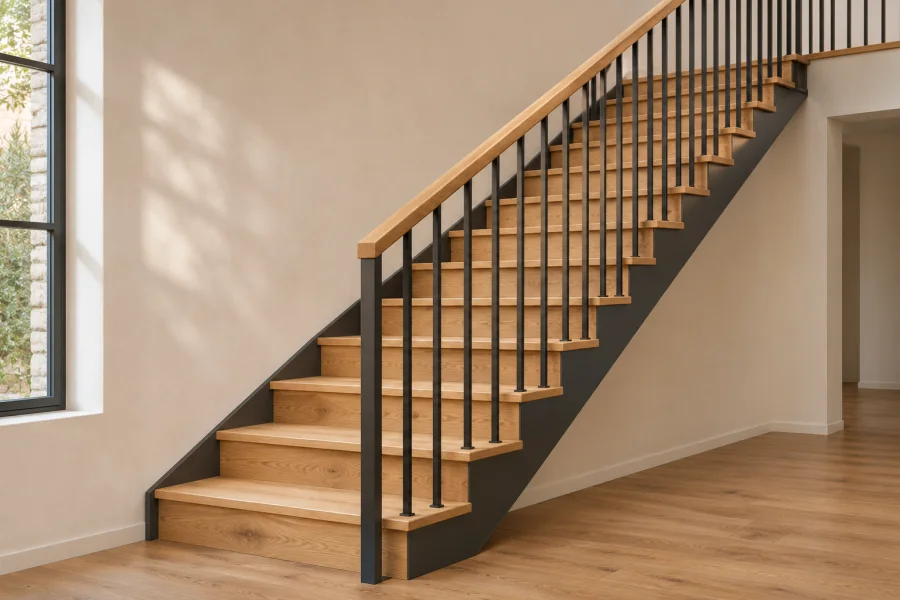
Flight shape and width, tread material, balustrade and handrail.
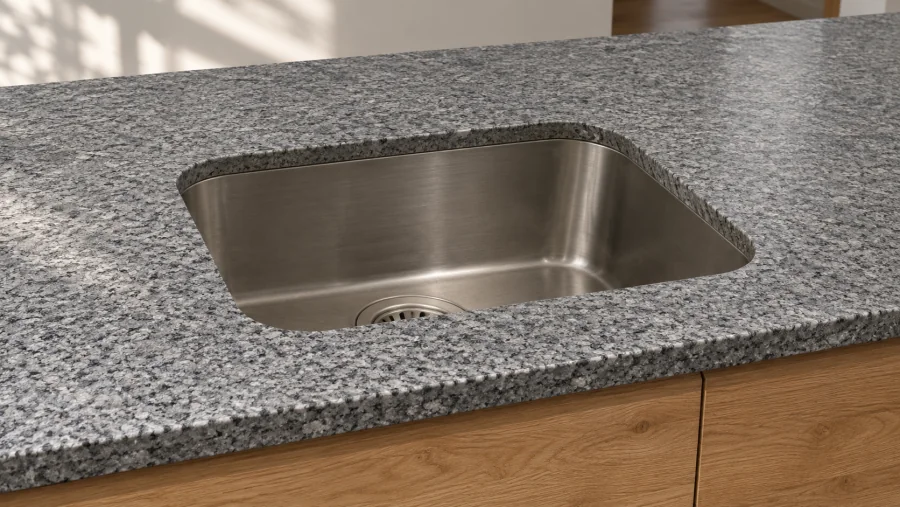
Slab shape and thickness, granite selection, edge profile, sink and hob cut-outs.
Frame dimensions, profile colour, side screens and lighting.
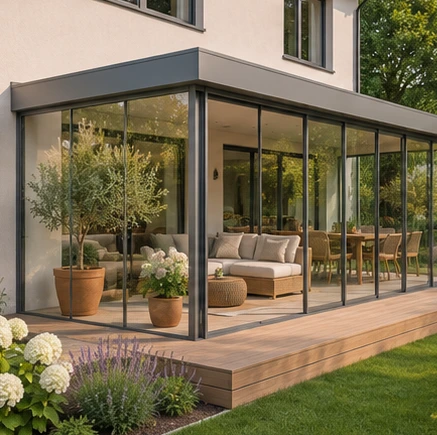
Sides to enclose, glass panel layout, opening method and track colour.
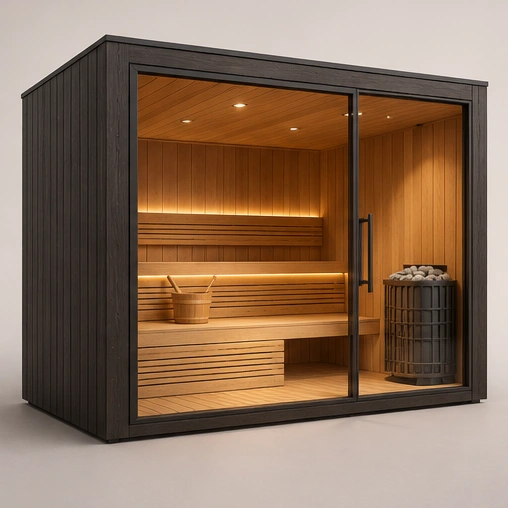
Cabin shape, timber, glazing, bench layout and accessories.
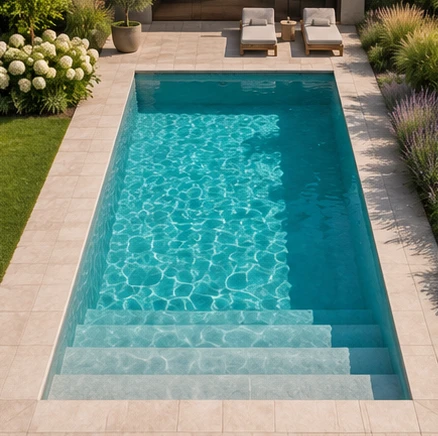
Pool shape, dimensions and depth, step position, interior finish and lighting.
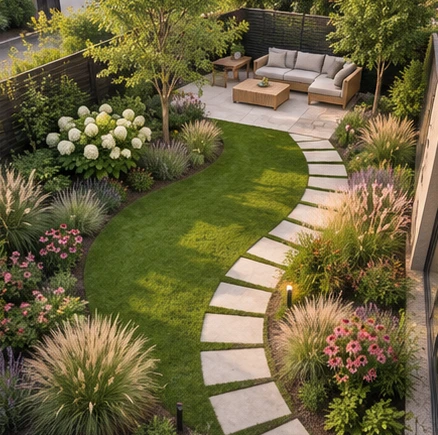
Plot dimensions, paths, planting beds, plant selection and seating areas.
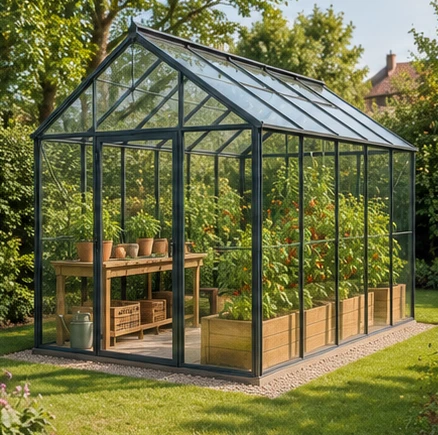
Width, number of bays, glazing, door positions and roof vents.
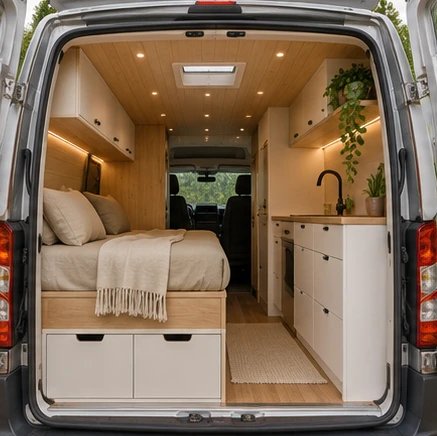
Van model and body length, bed layout, kitchen and washroom positions, and luggage space.
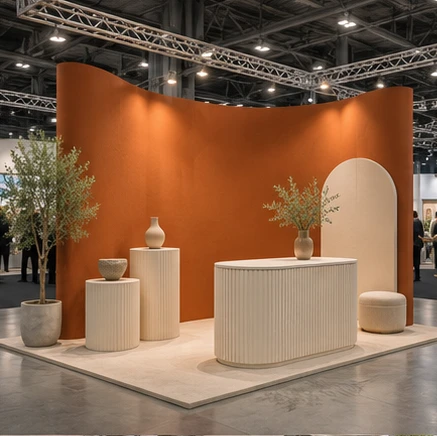
Stand dimensions, open sides, walls and displays, lighting and brand graphics.
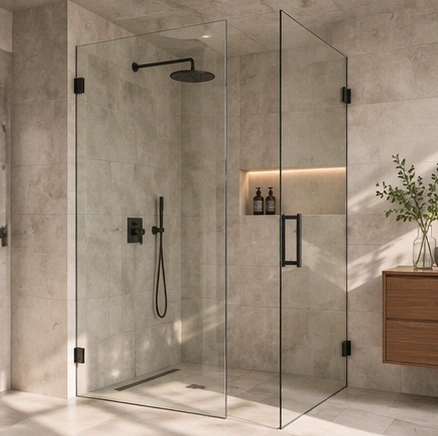
Recess dimensions, glass panel arrangement, opening method and hardware finish.
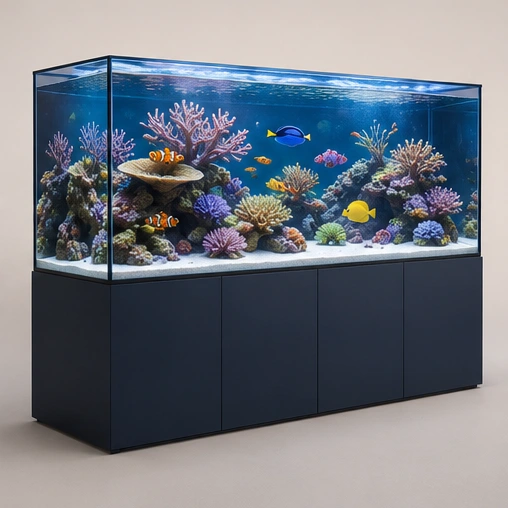
Tank dimensions, cabinet colour, overflow position and filtration layout.
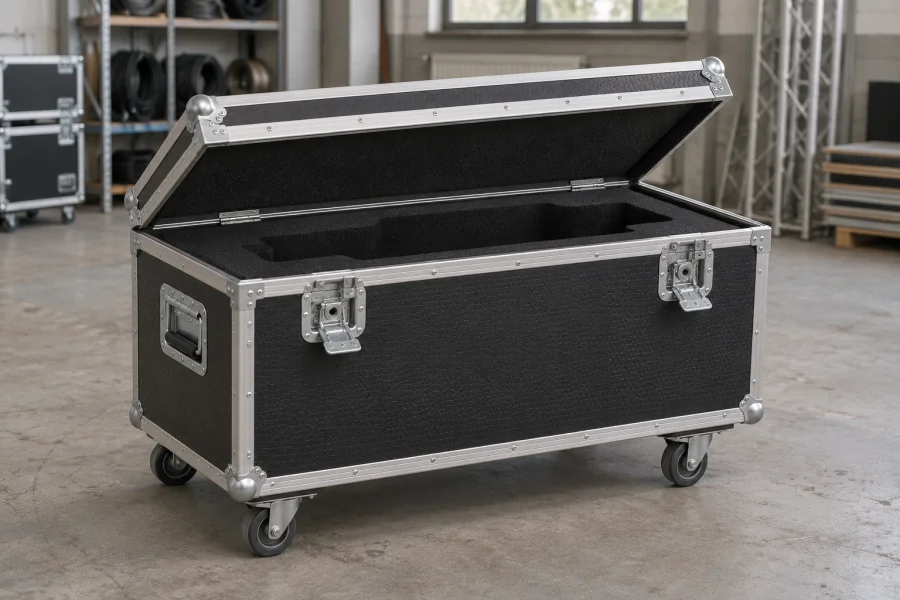
Equipment dimensions, divider layout, foam thickness, hardware, handles and castors.
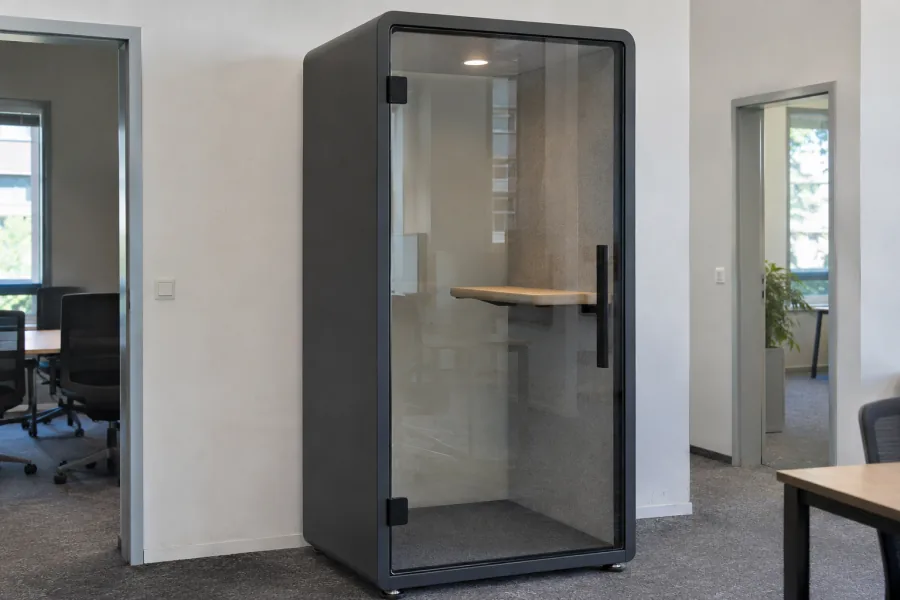
Seating capacity, door handing, glazing, interior finishes and equipment.
Send a product link or photo and tell us what your customers need to choose. We’ll review how it could work in a configurator.
Discuss your productOur existing plugin connects WordPress and WooCommerce. Select your platform to explore the implementation scope.
We are developing an AI assistant that can read your catalogue and suggest product options and compatibility rules for you to review.
All package prices are excluding VAT.
One-off implementation covers installation of the configurator and integration with your existing store. We usually install the configurator in your own hosting environment. We quote separately for building a new store.

Customers set the product dimensions, choose a colour and see the price update instantly.

Accessories, animations and interchangeable components, with checkout in WooCommerce.

Production and dealer tools, CNC machining files and end-customer manuals.
Promotional implementation prices apply to 12-month contracts signed on or before .
A standard Vormad licence and ongoing support for your configurator. You also receive updates and new features for the standard version of the engine.
Our development team responds to bug reports under a service level agreement (SLA). We define response times and the reporting process in your contract.
We quote separately for custom changes.
We quote individually for additional models, product families and connections to other systems.
Discuss integration